
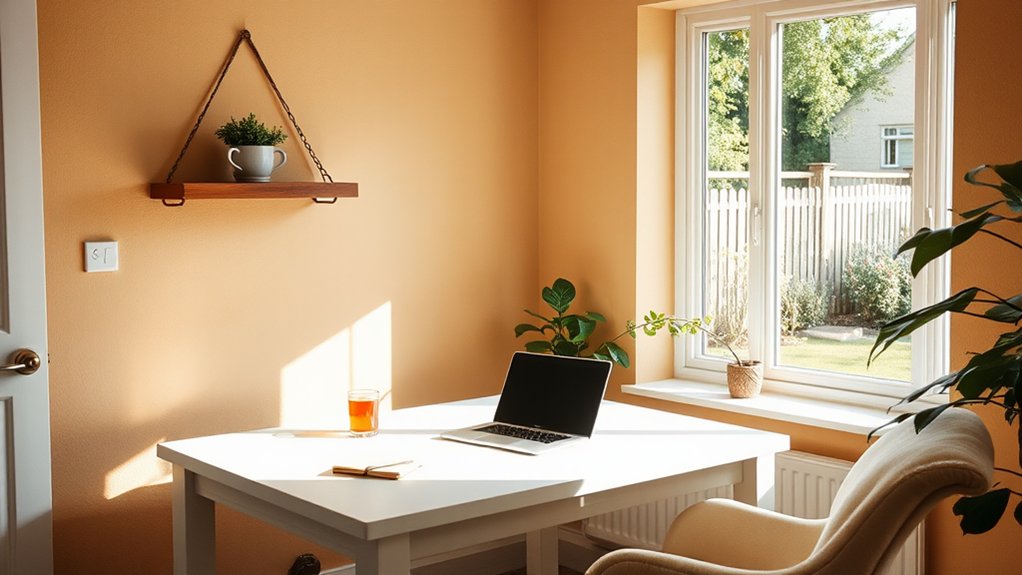

A detached home office sharpens your focus by creating a dedicated, distraction-free workspace with thoughtful acoustics, lighting, and ergonomics. You’ll benefit from soundproofing that minimizes interruptions, natural light that reduces eye strain, and climate control that supports steady energy. Design your layout for smooth traffic flow, place a keyboard and monitor at neutral angles, and use cable management to keep surfaces clear. Personalize with calm colors and plants, plus sustainable habits that sustain momentum—there’s more to optimize as youContinue.
Key Takeaways
- A detached home office creates a clear boundary between work and home, signaling work time and reducing cognitive leakage.
- Soundproofing, strategic acoustics, and glare-free lighting optimize focus and communication in remote collaboration.
- Thoughtful layout, cable management, and clutter-free surfaces minimize distractions and support intentional work sessions.
- Ergonomic setup, device hub organization, and accessible gear prevent strain during long work blocks.
- Biophilic elements, mood-responsive colors, and daylight integration sustain energy, calm, and sustainable productivity.
How a Detached Office Improves Your Focus
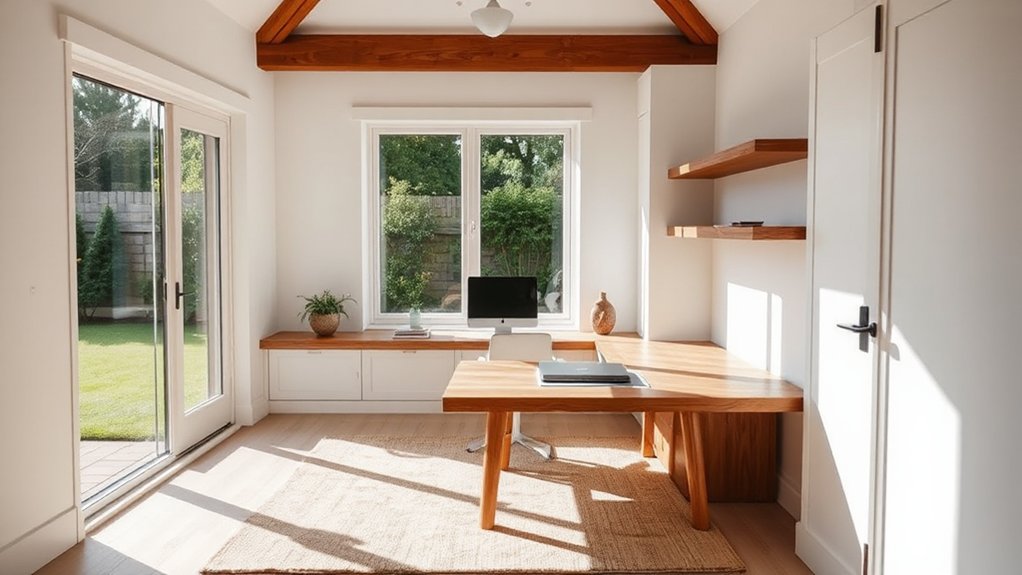
A detached office creates a dedicated boundary between work and home, which helps you stay focused and signals to your brain that work time is separate from personal time. When you establish this separation, your attention narrows to project details, workflows, and outcomes, not distractions.
A purpose-built space supports ritual—you enter, you pause notifications, you begin with a clear plan. Design touches matter: acoustic zoning reduces interruptions, and sightlines guide your focus toward essential tasks.
For remote collaboration, a quiet, dedicated room keeps audio clean and visuals stable, enhancing team cohesion. Leveraging virtual tools becomes smoother when your environment minimizes latency and clutter.
You’ll sustain momentum, refine processes, and measure progress with fewer context switches, elevating overall efficiency and work quality.
Define Your Focus: The Problem a Detached Office Solves
Detached offices solve a core problem: they create a defined boundary between work and home that your brain can recognize and respect. When you step into a dedicated space, distractions shrink and routines sharpen, guiding focus with spatial cues rather than willpower alone.
The problem isn’t simply noise or clutter; it’s the leakage of work into personal time, eroding your cognitive reset. A detached unit signals abrupt separations, reducing cognitive load and stress from lingering tasks.
You’ll notice commuting reduction as you physically depart and re-enter a workday, preserving energy for high-priority decisions. Design matters: proportions, sightlines, and organization reinforce discipline without rigidity.
Prioritize efficient storage, clear zones, and surfaces that invite purposeful work, all while maintaining a respectful distance from daily domestic pulls. Home office privacy becomes your quiet ally.
Soundproofing and Acoustic Design for a Quiet Office
Soundproofing begins with a holistic acoustic plan that treats your detached office as a controlled environment. You map noise sources, transmission paths, and room modes, then translate findings into actionable design decisions.
Prioritize mass and decoupling to reduce airborne sound transfer, pairing dense partitions with resilient channels where applicable. Address flutter echoes with targeted geometry and absorptive finishes, preventing slapback that disrupts focus.
For sustained quiet, implement sound absorption strategies that tame reverberation without dulling speech clarity. Choose acoustic panels with appropriate NRC ratings and visual integration, ensuring they complement your workspace aesthetic.
Seal gaps around doors, windows, and penetrations to minimize leakage. Thoughtful layout, material choices, and precise installation converge to create a calm, productive environment.
Maximizing Natural Light for Productivity
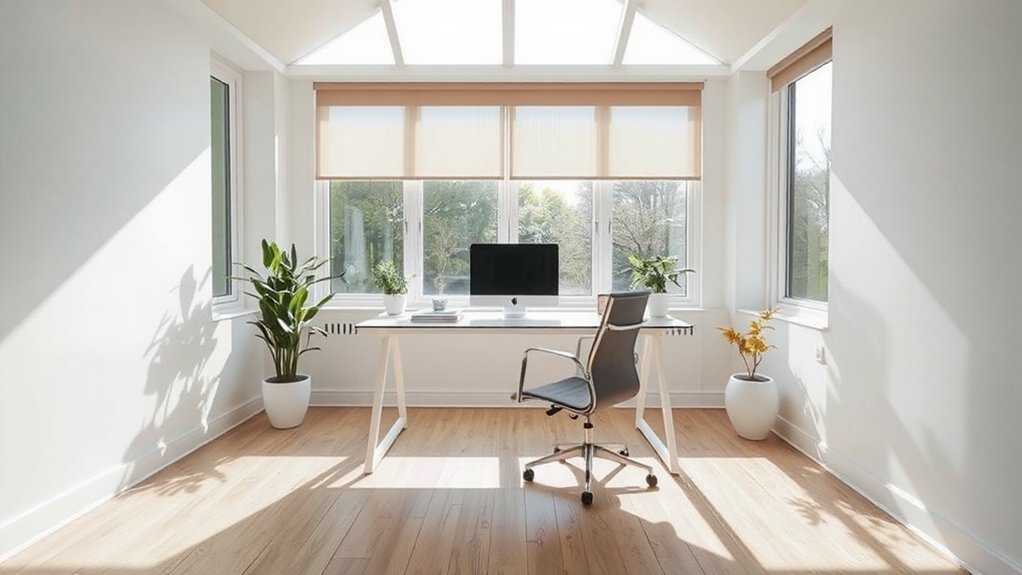
Natural light fuels focus and reduces fatigue, so optimize your detached home office to capture daylight from the most effective angles. You’ll prioritize window orientation and glazing that maximize glare control without sacrificing brightness.
Position work surfaces to leverage morning or late-afternoon sun, avoiding direct glare on screens. Use clear, low-emissivity glass where possible to maintain color accuracy while minimizing heat buildup.
Integrate Natural ventilation strategies to keep air fresh without relying on mechanical cooling, supporting sustained concentration.
Choose window treatments that are adjustable yet unobtrusive, like sleek roller shades or translucent panels, to modulate light precisely.
Consider light-colored walls and reflective surfaces to bounce daylight deeper into the space, enhancing perceived room size and reducing eye strain over long sessions.
Layout Essentials: Desk Placement and Traffic Flow
A well-planned desk placement and clear traffic flow are the backbone of an efficient detached home office. You’ll optimize layouts by anchoring the primary workstation to reduce foot traffic near your screen, while ensuring a direct path to storage and exits.
Position the desk to face a wall or window for focused work, avoiding glare and distractions. Allow at least two to three feet of clear circulation around furniture, so you don’t crowd the room during peak sessions.
Consider zoning for remote collaboration with a dedicated, clutter-free surface that supports calls and video. Integrate discreet cable management and secure devices with layered security measures.
Thoughtful flow minimizes interruptions and reinforces intentional, productive use of every square foot.
Break Areas Inside the Office: Secluded, Non-Work Zones
Break areas inside a detached home office should feel secluded and distinctly non-work, offering mental resets without pulling you away into the main living zones. You design these pockets as intentional pauses, not distractions, with comfortable seating, soft lighting, and quiet textures that mute the workstation’s energy.
Place a small, purpose-built surface for a notebook or a calming beverage, keeping tech to a minimum to preserve focus on rest. Select color palettes and materials that signal shift—warm woods, muted greens, or charcoal accents—to reinforce the boundary between effort and break.
Clearly delineate these spaces with partial walls, screens, or rugs, ensuring visual seclusion while preserving circulation. Prioritize accessibility to promote frequent, intentional use in break areas and secluded zones.
Storage Systems That Reduce Clutter and Stress
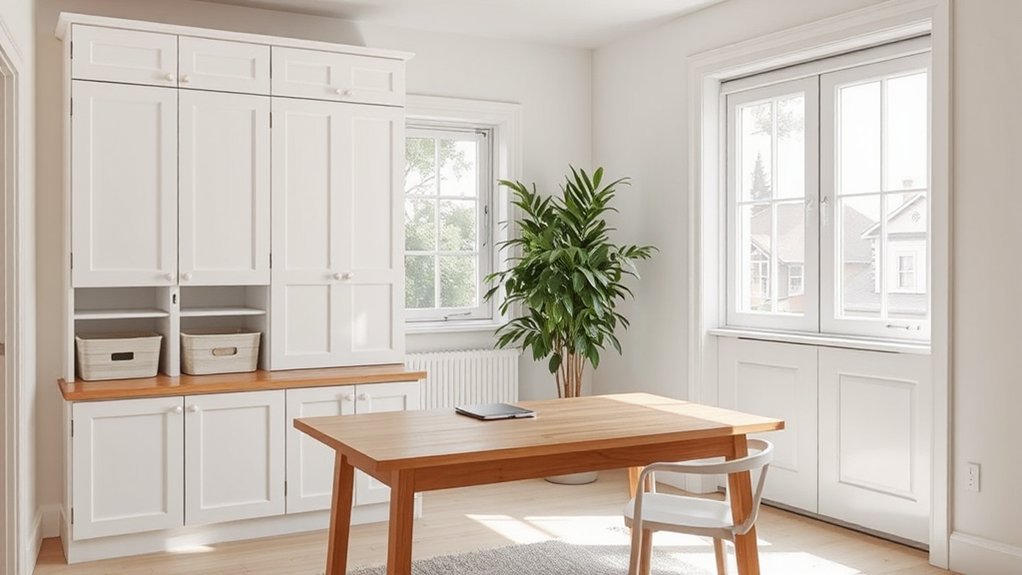
You’ll optimize your workspace with efficient closet layouts that put every item within easy reach and clearly defined zones.
Hidden storage solutions keep papers and supplies out of sight while preserving a clean, design-forward aesthetic.
This approach minimizes clutter and visual noise, so your focus stays on work, not where you stowed it.
Efficient Closet Layouts
Use a tiered approach: long garments separate from folded stacks, and accessories grouped by type for quick retrieval. Integrate modular storage that adapts as needs shift, enabling you to reconfigure without bulk or disruption.
Choose a restrained color palette and clean hardware to reduce visual noise, enhancing focus. Motivate the space with mobile furniture that can relocate for cleaning or collaborative work, and add decorative accents that reinforce calm and order.
Hidden Storage Solutions
Hidden storage is the quiet backbone of an organized home office, letting clutter disappear without sacrificing access or aesthetics. You’ll design discreet solutions that blend with your workspace, prioritizing function without sacrificing style.
Begin with modular systems that adapt to your gear: stackable bins, adjustable shelves, and shallow drawers for cables, chargers, and supplies. Integrate built-ins that maximize vertical space, and choose doors or open configurations that suit your workflow.
Favor concealed compartments behind screens or within furniture to reduce visual noise. Pair storage with creative decor to elevate mood while staying tidy.
Lighting options matter: under-shelf LEDs illuminate documentation and gadgets without glare. Select matte finishes and soft edges to minimize reflections and maintain a focused, calming environment.
Tighten gaps, label clearly, and review quarterly for continual clarity.
Technology Setup for a Clean, Efficient Desk
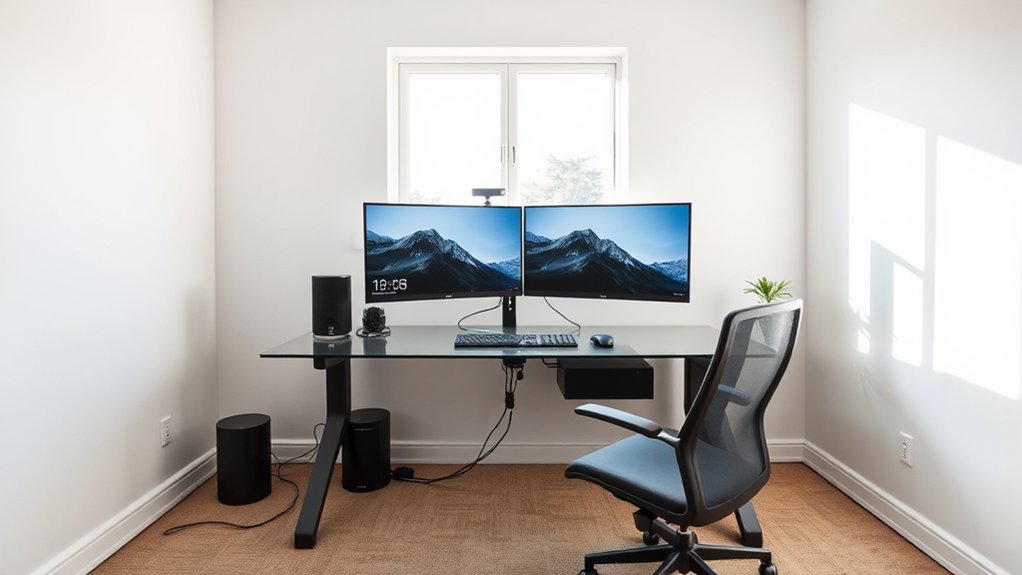
A clean, efficient desk starts with a purposeful arrangement of gear and cables, so you can work without distraction. You select a slim, height-appropriate monitor stand and route power through a single under-desk tray to minimize clutter.
Use a compact docking station, wireless peripherals, and labeled HDMI and USB-C cords to keep paths clear and swap devices with minimal fuss. Position the keyboard and mouse within a short arc for neutral wrists, and tether essential tools to a single hub for quick access.
Prioritize a dedicated charger dock and a cable management sleeve to hide tangles. For virtual collaboration, keep conferencing gear near reach with clean audio routing and cybersecurity measures enabled to protect sensitive input.
Maintain deliberate spacing to preserve focus and efficiency.
Ergonomics for All-Day Comfort
To prevent fatigue and injuries, set up your workspace with precise alignment: the chair supports your lower back, the monitor sits at eye level, and the keyboard and mouse rest within a comfortable reach.
You optimize comfort by choosing ergonomic seating that aligns hips and spine, and by layering ergonomic accessories to support wrists and monitor distance. Your setup remains efficient, focused, and adaptable for long sessions.
- Position chair height so feet rest flat and thighs are parallel to the floor.
- Use a chair with lumbar support and adjustable back angle for stability.
- Add an adjustable monitor stand for eye-level viewing and reduced neck strain.
- Integrate wrist rests and a keyboard tray to maintain neutral forearm posture.
This approach emphasizes ergonomic seating and thoughtful accessories for all-day productivity.
Personalization That Supports Focus (Mood, Color, Plants)
Mood-driven color schemes set the tone for focus, guiding mood with purposeful contrast and lighting cues.
Verdant plant anchors introduce a live, subtle stimulus that keeps attention present without distraction.
You’ll balance hues and greenery to support steady work rhythms while preserving a calm, productive environment.
Mood-Driven Color Schemes
Color can set the pace of your work, so choose mood-driven palettes that align with your tasks and energy levels. When you design around color psychology, you tailor focus and reduce cognitive load by aligning hues with intention, from calm to energized states, and pair with effective mood lighting to reinforce cues throughout the day.
- Select a primary hue based on task intensity, then complement with subtle accents to prevent distraction.
- Use cooler tones for deep concentration and warmer tones for creative moments, balancing brightness to avoid glare.
- Integrate neutral anchors—greige, stone, or charcoal—to ground vivid accents.
- Schedule shifting palettes with daylight, pairing color changes with lighting to maintain consistent mood cues.
Verdant Plant Anchors Focus
Verdant plant anchors actively support focus by blending biology with design intent. You curate a small, varied collection that thrives in your workspace without overwhelming sightlines. Choose foliage with air-purifying potential and compact forms to avoid clutter, prioritizing texture and color to cue calm and concentration.
Position plants near task zones to reinforce attention and provide subtle visual anchors during long sessions. Integrate planters that align with your ergonomic workflow, ensuring easy replacement and maintenance without bending or awkward reaches.
Emphasize indoor air quality improvements by rotating specimens and monitoring light, moisture, and airflow. Pair greenery with ergonomic accessories that keep posture aligned, so the plants support focus rather than demand effort.
This balanced approach sustains productivity through mindful, structured personalization.
Sustainable Habits: Energy Use in a Detached Office
To manage energy efficiently in a detached home office, start by auditing how your space uses power throughout the day and aligning it with work rhythms. You’ll apply energy conservation principles without sacrificing comfort, and you’ll prefer sustainable materials that reduce ongoing costs. Precision, not excess, guides every choice—from lighting to climate control—so you avoid waste while supporting focus.
- Map peak usage times and switch to task lighting that targets work zones.
- Use programmable controls to run HVAC and devices only during productive hours.
- Choose high-efficiency outlets, smart plugs, and power strips to curb phantom loads.
- Prioritize durable, sustainable materials in finishes to minimize replacement cycles and embodied energy.
From Setup to Routine: Establish Your Daily Work Rhythm
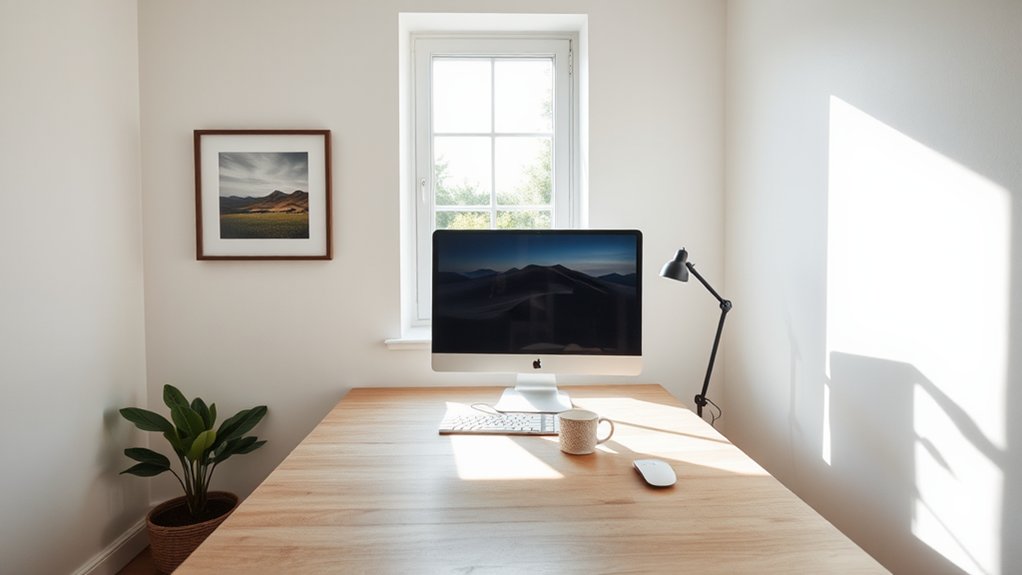
Establishing a daily work rhythm starts with your setup, then translates into repeatable routines that keep you focused and productive. You design around purpose: lighting, acoustics, and ergonomics align with tasks to reduce cognitive load and fatigue.
Start with a morning sweep—glance at calendar, prioritize three outcomes, and buffer for remote collaboration cues without derailing momentum.
Establish a timed cadence: deep work blocks, short breaks, and quick touchpoints for teammates.
Track time management with a minimalist dashboard that highlights progress, blockers, and energy peaks.
Use a predictable sequence so progression feels seamless rather than disruptive.
Maintain consistency by refining rituals: startup checks, mid-day resets, and end-of-day wind-down.
Your rhythm becomes a design feature—scalable, adaptable, and focused on clarity, efficiency, and sustainable productivity.
Frequently Asked Questions
How Much Does a Detached Home Office Cost to Build?
A detached home office costs vary, but you’ll likely spend $15,000–$40,000 depending on size, finishes, and systems. You should consider cost factors and budget planning from the start to avoid overruns while prioritizing design quality.
Can a Small Shed Still Improve Productivity?
A small shed can absolutely improve productivity, you just need purpose and care. Symbolically, its door becomes focus; garden insulation and lighting solutions shape a calm, efficient workspace, guiding you toward clarity and consistent, energized work sessions.
Are There Zoning Rules for Detached Offices?
Yes, you’ll face zoning restrictions and building permits for detached offices. You’ll navigate local codes, obtain necessary permits, and guarantee setbacks, height, and utility rules align with zoning. Plan meticulously to avoid delays and ensure future flexibility.
What Is the Best Season to Add an Office?
Spring is best to add an office, you’ll enjoy mild weather for season planning and outdoor workspace setup. Plan thoughtfully, align with daylight, ventilation, and noise buffers, so your detached studio integrates seamlessly with climate, access, and daily routines.
Do Detached Offices Increase Home Resale Value?
Detached offices can boost resale value, especially if they support remote work and blend with overall home design. You’ll attract buyers who value dedicated spaces, enhanced curb appeal, and practical layouts that integrate with your remote work lifestyle.
Conclusion
You’ve built a detached office that actually works—congrats, you’ve outsourced your commute to a better area code. With sharp design, thoughtful acoustics, and daylight that behaves, your focus won’t wander to the kettle or the garden shed at 2 p.m. You’ll breeze through routines, dial in ergonomics, and curate a mood with plants rather than procrastination. The punchline: productivity isn’t an aura; it’s a layout, a light strategy, and a desk that finally respects your back. Enjoy the smarter distraction-free zone.